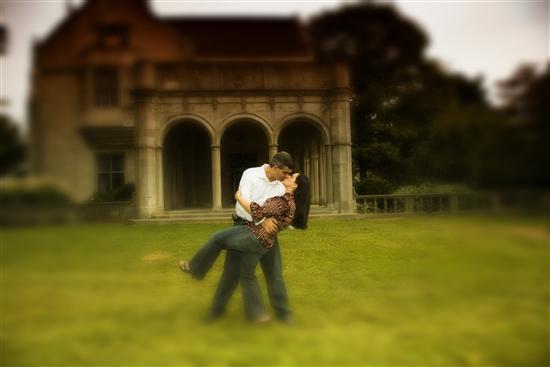
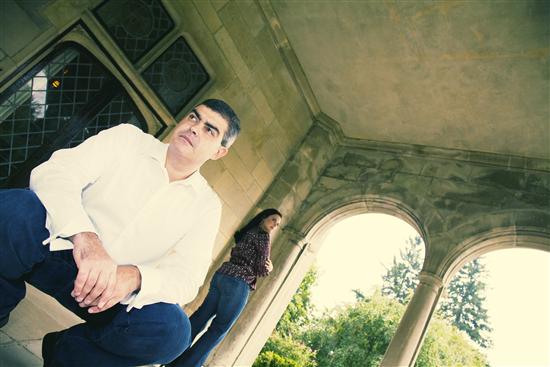
I want to post my thomas paul e photos but they are too big. If I resize them through liw they come out too small.
nmagel
Posted:
Member since
Re: how do you post photos?
no one??
kimNanthony
Posted:
Member since
Re: how do you post photos?
kimNanthony
Posted:
Member since
Re: how do you post photos?
Randilotus
Posted:
Member since
Re: how do you post photos?
This other girl showed me. If you put them in you album, then right click on it, go to properties and copy address, then go into Insert Web Image and paste, Good luck !
Randilotus
Posted:
Member since
Re: how do you post photos?
They are great, we are using him too!
kimNanthony
Posted:
Member since
Re: how do you post photos?
Randilotus
Posted:
Member since
Re: how do you post photos?
Hey didn't you show me?
Mrs. V 2008
Posted:
Member since
Re: how do you post photos?
wow those pics came out gorgeous!!!!!!!!!!!!!!!
kimNanthony
Posted:
Member since
Re: how do you post photos?
Posted by Randilotus
Hey didn't you show me?
Haha yes!
nmagel
Posted:
Member since
Re: how do you post photos?
Posted by kimNanthony
Posted by Randilotus
Hey didn't you show me?
Haha yes!
thanks! I'll post them in my album.
Randilotus
Posted:
Member since
Re: how do you post photos?
Posted by kimNanthony
Posted by Randilotus
Hey didn't you show me?
Haha yes!
Well I retaught you... See I'm nice, I'm willing to share the info others have helped me with!
MikeandJess
Posted:
Member since
Re: how do you post photos?
they came out amazing! If you want to post photos that are too big you can make an account on photobucket.com and upload pictures there. Under the uploaded pictures there is a direct link, copy that. On LIW, click on 'insert web image' (on the left under the emoticons) and paste the link there
JimmysPants
Posted:
Member since
Re: how do you post photos?
YAY! I FINALLY LEARNED HOW. JUST READ THE ABOVE POST. I DID EXACTLY WHAT SHE SAID TO DO AND IT WORKED!