Post New Topic

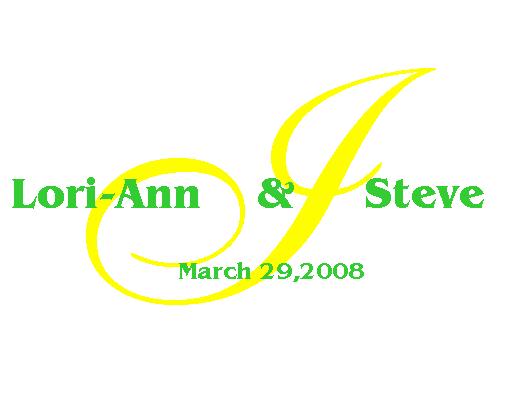
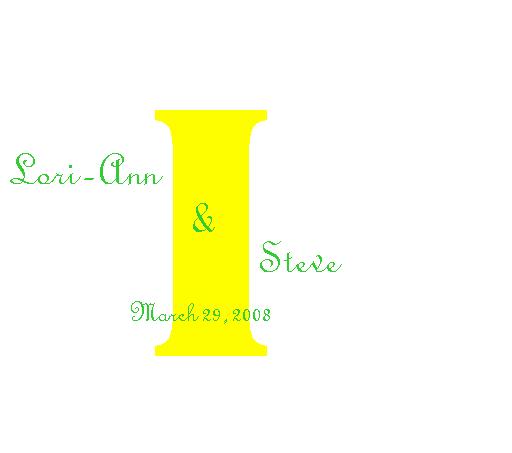
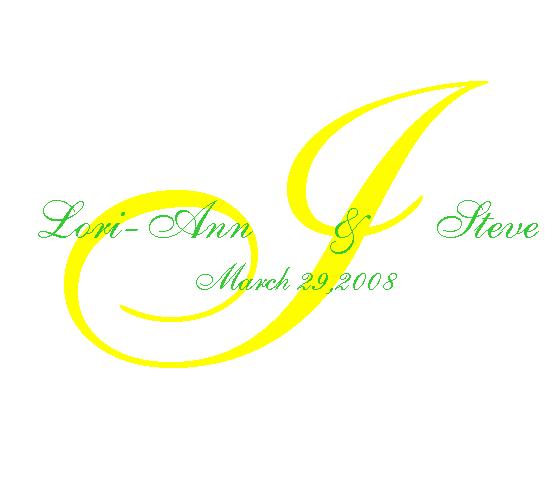
Lori-ann here ya go!!

Soon2BMrsD Posted:

Lori-ann here ya go!!

ShanonandSteve Posted:

Re: Lori-ann here ya go!!

nice.

kimNanthony Posted:

Re: Lori-ann here ya go!!

how do you do these?

Soon2BMrsD Posted:

Re: Lori-ann here ya go!!

heres another one..

Soon2BMrsD Posted:

Re: Lori-ann here ya go!!


Posted by kimNanthony

how do you do these?


making them in power point its really simple.. ill type out directions if you want
kimNanthony Posted:

Re: Lori-ann here ya go!!

Yea that would be great, thanks!

DavaDay Posted:

Re: Lori-ann here ya go!!

Yes, please do type out instructions. I've never used powerpoint! Seriously!

Ilovebriani Posted:

Re: Lori-ann here ya go!!

good job meg! those look great!

ShanonandSteve Posted:

Re: Lori-ann here ya go!!

i love powerpoint.. you can add shadows to the letters

Soon2BMrsD Posted:

Re: Lori-ann here ya go!!

go into power point

1. blank page
2. click on 'insert' and then choose 'text box'
3. click anywhere on the page and type the Last initial choose the color and size you want
4. Then do the same thing insert text box and type your name and Fh name choose color and size
5. after complete with text boxes press and hold 'shift' while clicking on each text box make sure all are high lighted ... then right click outside of those text boxes there will be an option for 'grouping' choose group all then it will make all the layers one and it should all move as a unit!

i hope this works for ya!
kimNanthony Posted:

Re: Lori-ann here ya go!!

Oh I forgot I don't have powerpoint on here but thanks!
Soon2BMrsD Posted:

Re: Lori-ann here ya go!!

the directions are the same for word

Mrs. V 2008 Posted:

Re: Lori-ann here ya go!!

looks great!

irishsweetheart Posted:

Re: Lori-ann here ya go!!

thanks so much megan!

Soon2BMrsD Posted:

Re: Lori-ann here ya go!!

no prob i hope you like them!

irishsweetheart Posted:

Re: Lori-ann here ya go!!

i do! I really like the last one though I might tone down the yellow a little.

They're still awesome thanks!
ShanonandSteve Posted:

Re: Lori-ann here ya go!!

BUMP

FancyMe1018 Posted:

Re: Lori-ann here ya go!!

eh I am confused

FancyMe1018 Posted:

Re: Lori-ann here ya go!!

when i open my power point i did the blank doc. but i don't know what template to do

dancinmyazoff Posted:

Re: Lori-ann here ya go!!


Posted by Soon2BMrsD

go into power point

1. blank page
2. click on 'insert' and then choose 'text box'
3. click anywhere on the page and type the Last initial choose the color and size you want
4. Then do the same thing insert text box and type your name and Fh name choose color and size
5. after complete with text boxes press and hold 'shift' while clicking on each text box make sure all are high lighted ... then right click outside of those text boxes there will be an option for 'grouping' choose group all then it will make all the layers one and it should all move as a unit!

i hope this works for ya!


You know, I use power point at work every day and never even thought to attempt a monogram in there! Thanks for directions Meg!

Reply to this topic

Log in to reply or quote a post.