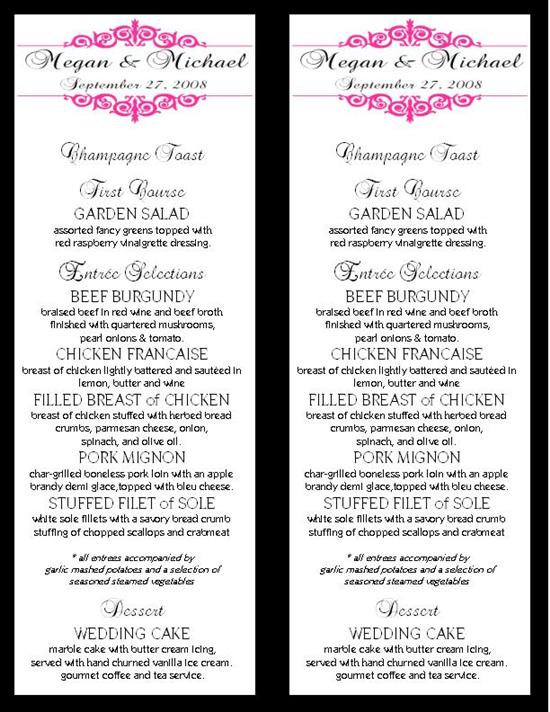
you can use column format to split the page in 2, and then just copy/paste from the first column into the second.
mRm2008
Posted:
Member since
Re: MENU HELP
I did mine in MS Word. I set the paper to portrait and dropped all the margins down to .3 then created a rectangular text box the length of the page and half the width. When I was fully happy with that one menu - I simply copied/pasted into the 'blank' half of the page. Print, cut, done
LIBride1121
Posted:
Member since
Re: MENU HELP
Looks amazing!! Dumb question for you…how did you get that really nice pink border at the top?
littlepixie12
Posted:
Member since
Re: MENU HELP
Posted by gip32680
I am going to se 8x11 cardstock for my menus and then cut it in half. How do i print 2 menus on one page?