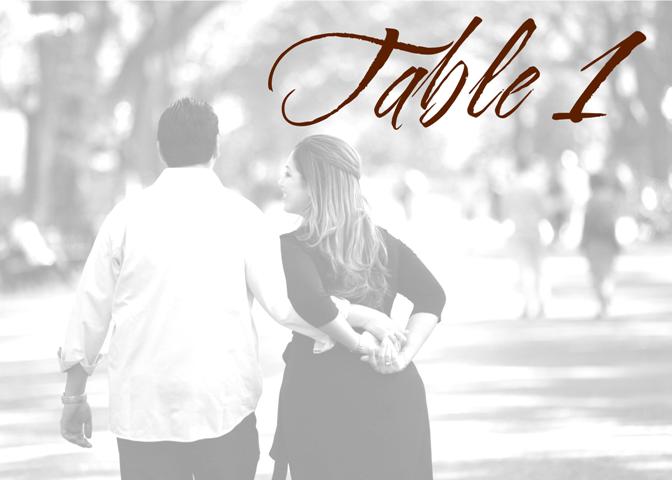
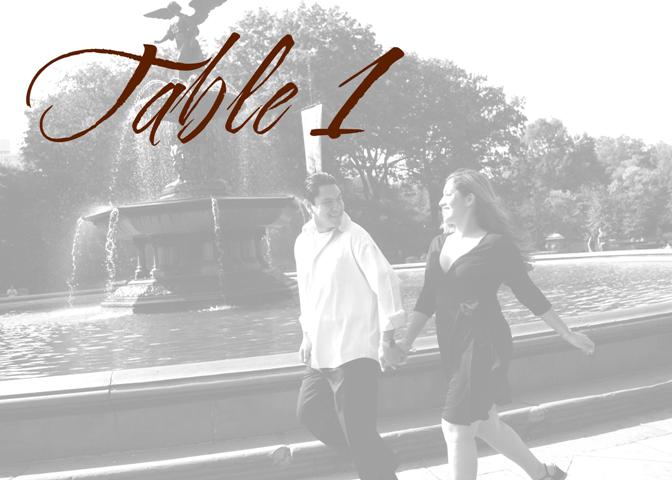
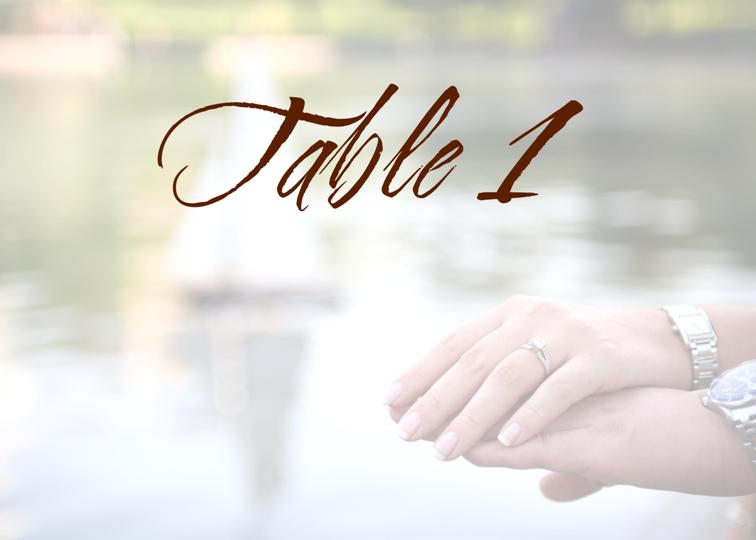
I just started working on mine since I picked up my epics yesterday...
I made all the pics watermarks and inserted 'Table #'... I haven't decided the order so they all say 'Table 1' right now, but that will be fixed when I finalize them.
Thanks LaNaria!!! I used 'Cherish' font - but I'm not 100% positive I'm keeping that ... I might switch it to the same font as my monogram (but I don't have that on my computer at home).
I just started working on them, but I'm pleased so far. Thanks again!
MrsB2BE
Posted:
Member since
Re: PLease post pics
Posted by MrsQ-in2007
Posted by MrsB2BE
Yes - I love these!! What font did you use?
Thanks LaNaria!!! I used 'Cherish' font - but I'm not 100% positive I'm keeping that ... I might switch it to the same font as my monogram (but I don't have that on my computer at home).
I just started working on them, but I'm pleased so far. Thanks again!
That is why you are the DIY Bride of the week
mbm698
Posted:
Member since
Re: PLease post pics
Mrs. Q - in 2007 -- I love your DIY table numbers. How did you do them? What computer program did you use? Thanks.
tk1995sc
Posted:
Member since
Re: PLease post pics
These are really nice!!! What kind of paper are you using to print them. TIA
luvabul
Posted:
Member since
Re: PLease post pics
soo cute
Aug07OFCbride
Posted:
Member since
Re: PLease post pics
Yesenia, those are awesome!
portjeffbride
Posted:
Member since
Re: PLease post pics
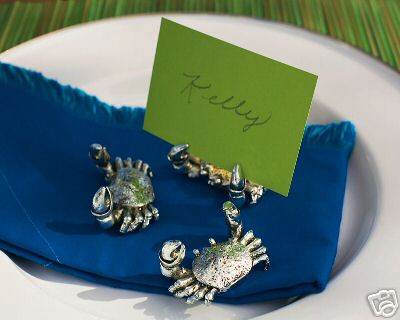
Crabs! They'll be holding small ivory table # signs...
cute! are the crabs part of a beachy theme? We are thinking of doing pics of numbers written in the sand. I saw it on here months ago. I love the epics idea, too. You are so creative!!
MrsQ-in2007
Posted:
Member since
Re: PLease post pics
Thanks everyone! I have to keep working on mine and decide on just 12 (I'll use the other pics for my photocube and other projects - WITHOUT numbers , lol).
I did them on Powerpoint. I set the page to 20 x 28 inches (because they're going in 5 x 7 frames and if you make the page 5 x 7 and then try to save as a jpg, you lose image quality... so you make the page a multiple of the size you'll use - I multiplied each side by 4 to get 20 x 28 - so that when you print it on 5x7, it will look exactly as you formatted it).
So I inserted my pic on each page. Changed the size (double click the pic and in the 'Size' tab, changed one side to be 20 inches - make sure that 'Lock Aspect Ratio' is CHECKED). Then cropped around it because inevitably there was a little bit hanging off the edges.
Then I double clicked the pic. This brings up the format picture window. In the 'Picture' tab, I changed the 'Color' to 'washout'. If the pic was too light, I increased the contrast by 10 and decreased the brightness by 10 so that it wouldn't look TOO washed out (I wanted for our faces to show in each pic).
Then I inserted WordArt on each and changed the font and changed the color to the same chocolate brown I'm using on my other wedding stuff.
Sounds like a lot of steps, but after the first one, it's very easy. The hardest part is deciding which pics to use and where to put the 'Table #' text on each pic!
Hope this helps those that wanted to know.
ETA: I'm going to upload these to Kodak Gallery and print them as 5x7 pictures. I figured this was the easiest way since I only need to do 12. But you can print them on photopaper at home.
tk1995sc
Posted:
Member since
Re: PLease post pics
thank you so much for the detailed instructions. Much appreciated.
mbm698
Posted:
Member since
Re: PLease post pics
Thanks for the wonderul instructions. They are very helpfull
diva7531
Posted:
Member since
Re: PLease post pics
Posted by portjeffbride
Crabs! They'll be holding small ivory table # signs...
I love these!!!!!!!!!!!!!!!!!!!!!!!!
Princess92406
Posted:
Member since
Re: PLease post pics
check out my album, hubby is in a band and we are both HUGE music lovers...we did every table a different musician, and on our votive candle holders, we wrote...'Mr and Mrs. Smith, you are seated with Elvis'...and so on and so forth ;) everyone loved them!!