
Member since
I give up!!!
Member since
Re: I give up!!!
I will make u one when i get home from work I dont have the program here
Member since
Re: I give up!!!
Member since
Re: I give up!!!
Member since
Re: I give up!!!
Member since


Member since
Member since
Re: I give up!!!
Member since
Re: I give up!!!
Member since
Re: I give up!!!

Member since
Re: I give up!!!
Member since
Re: I give up!!!
Wow... what program do you ladies use to make these? I was going to try to do it myself also but don't even know where to begin...
Member since

Member since
Re: I give up!!!
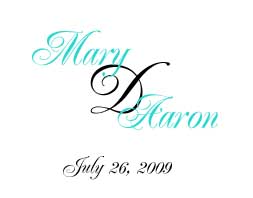
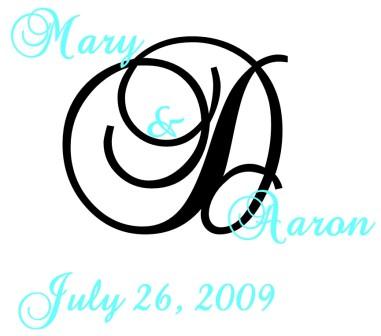
Just using PowerPoint, you can see it's just mine re-arranged with colors changed. I can email you the file and if you have PowerPoint, you can play with it all you like!!
Member since
Re: I give up!!!
OMG!!! These are all beautiful!!!! I will fm you my email.
Member since
Re: I give up!!!
Member since
Re: I give up!!!
When you get the file, just click on the name, date, or initial until it's in a 'box' then change font, size, color, etc. and click off of it. Play around!!
Member since
Re: I give up!!!
yup I used powerpoint too. Just make a text box for each item, for example, I had 4 different text boxes one for the D one for mary, one for aaron and one for the date. Change the texts and colors and sizes of the fonts to whatever you want, then move the text boxes around the page to set it up. That's basically it, then save it as a jpeg
Member since
Re: I give up!!!
Member since

