
ETA: Thank you girls -- can you read my latest post on the bottom and direct me? :)
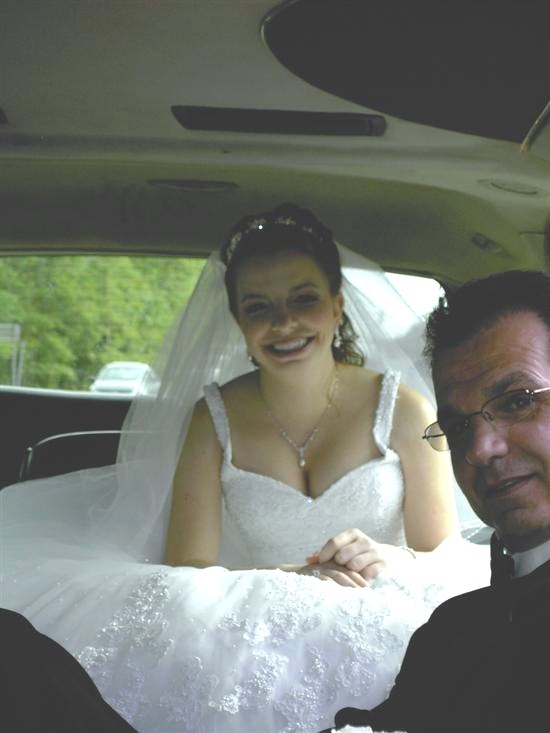
I really like this picture of me and my dad that someone took while we were in the limo. I changed it to sepia and it looks really pretty, despite the darkness.... My problem is I HATE that I'm leaning forward and the shadow makes my cleavage look huge.... Does anyone know how to smear or smudge that area so you don't notice it so much? Can someone help me out??
Thanks girls!!! I love my daddy and I really like this pic and want to salvage it....
betani
Posted:
Member since
Re: calling my photoshop pros
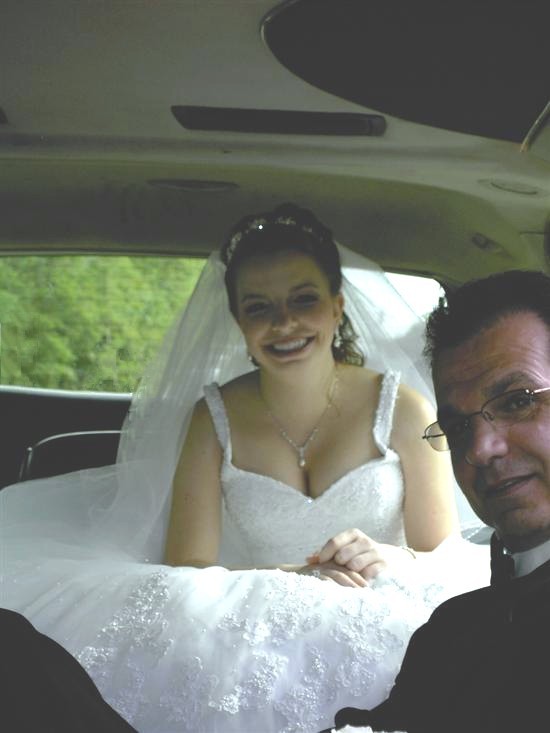
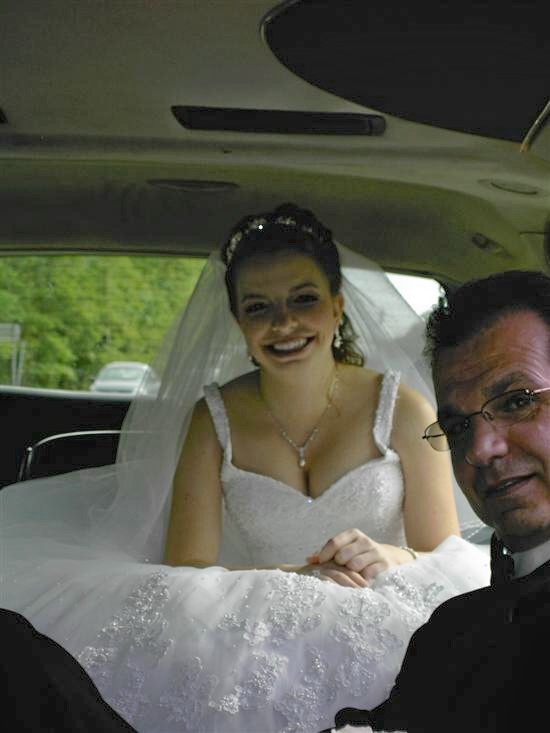
i only fooled around with it a bit (i'm on my way out), but is this what you meant? i also lightened some up for you a bit and cropped one version. hope it's ok.
un-lightened:
lightened:
cropped:
the lightened ones are a little grainy, sorry about that.
How did you do that? Just so I know for myself in the future....
Soon2BeMrs
Posted:
Member since
Re: calling my photoshop pros
Posted by jgl
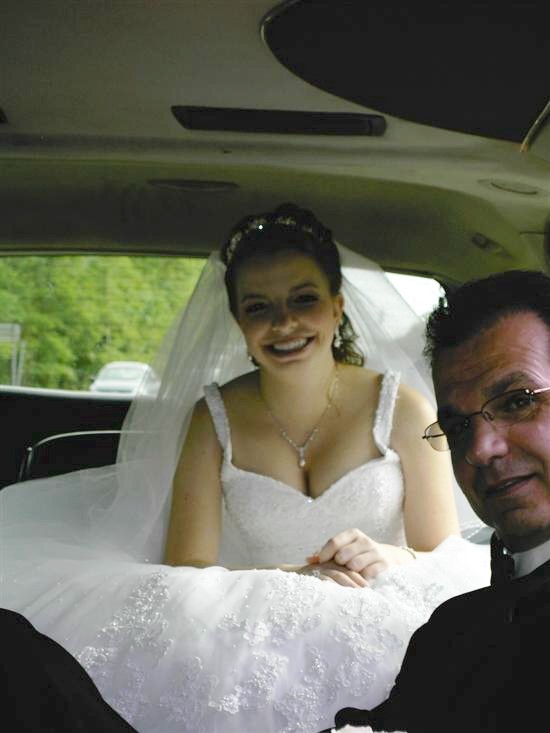
how is this?
wow that is awesome! i didnt think it could be done that good...i have alot of nice pictures from a recent wedding that are dark...how did you do that?
jenheartsrob
Posted:
Member since
Re: calling my photoshop pros
Can you tell us how you lightened it that much? People didnt use the flash on the disposable cameras at the wedding and I have a ton of dark pictures :(
jgl
Posted:
Member since
Re: calling my photoshop pros
For all.. I used Microsoft Digital Image Pro 9
I just adjusted the brightness =-)
the program is great.. check out this before and after I did
HOW do you erase things and get it to fill in the right background??? (like you got rid of the car, but now there are trees) man you're good!
jgl
Posted:
Member since
Re: calling my photoshop pros

It is called smart erase. Im not sure if it is in photoshop.. i don't think i have that program (is that adobe photoshop? i have that but i never use it and I have PS CS2 but it is still in the box)
This program makes it some what easy. you just click on the smart erase button and then you draw around the area that you want removed and click fill-in. it takes what is around it and fills it in over that you don't want. Sometimes you have to do it several times till you get hte desired look.
I also used a blending effect as well so that I could erase the car behind your veil.
Isn't it so funny that we all used to push our boobs together in pictures before we had them to make cleavage--- & now that we have it we don't want it?!?! I did the same thing with our Epics- there were some where my boobs looked HUGE- my FH was like-- and what is the problem!? LOL
betani
Posted:
Member since
Re: calling my photoshop pros

Posted by jgl
It is called smart erase. Im not sure if it is in photoshop.. i don't think i have that program (is that adobe photoshop? i have that but i never use it and I have PS CS2 but it is still in the box)
photoshop has a 'clone stamp' which is kinda the same thing, 'cept you have to pick what you want to stamp over (like select the trees, then stamp or you could select her face and stamp it everywhere =0P ) and you can select opacity and flow.
and ps cs2 is the newest photoshop. =0)
sr081906
Posted:
Member since
Re: calling my photoshop pros
sevenlayers
Posted:
Member since
Re: calling my photoshop pros
A really good (free) tool is Picassa from the Google pack. I'm pretty facile with photoshop, but i like Picassa for my quick fixes (lighter/darker/b+w/sepia).
lots of cool effects and a GREAT organizer
http://picasa.google.com/
jenheartsrob
Posted:
Member since
Re: calling my photoshop pros
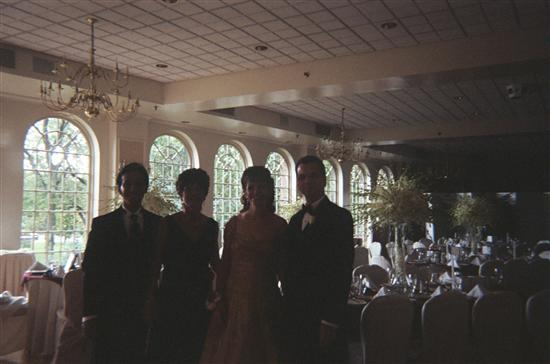
I am so impressed.... That program is downloading as we speak!! Can you tell me if you think I'll be able to salvage pictures like this? I have a whole roll of film like this that I know would be good pictures if I could just get them lighter.... if you can fix it, can you tell me what tool you would use in either PS or Microsoft Digital?? Thanks girls, you are the best!
jgl
Posted:
Member since
Re: calling my photoshop pros
Posted by jenheartsrob
I am so impressed.... That program is downloading as we speak!! Can you tell me if you think I'll be able to salvage pictures like this? I have a whole roll of film like this that I know would be good pictures if I could just get them lighter.... if you can fix it, can you tell me what tool you would use in either PS or Microsoft Digital?? Thanks girls, you are the best!
Ithink htis one is a goner.. not only is it dark.. but its blurry and the quality is poor. sorry.. maybe some of the other ones aren't so bad